Warp Studio
A downloadable tool for Windows
Warp Studio
Animate characters, edit artwork, create motion graphics, add VFX, and export finished 2D assets from one Windows application.
Warp Studio is an all-in-one creative toolkit built to help indie developers, artists, animators, and content creators bring static artwork to life in minutes. Its smart mesh deformation and tweening system lets you animate characters, sprites, illustrations, logos, and product images simply by placing and moving pins—no complicated rigging required. Need something even faster? Load a ready-made animation preset onto your character and instantly create polished motion. Warp Studio also includes powerful tools for painting, background removal, sprite-sheet cutting, visual effects, rendering, and exporting, giving you everything you need to create game-ready animations in one streamlined workspace.
One-time purchase. No subscription. Buy Warp Studio once and keep using your DRM-free copy indefinitely.
What can you create?
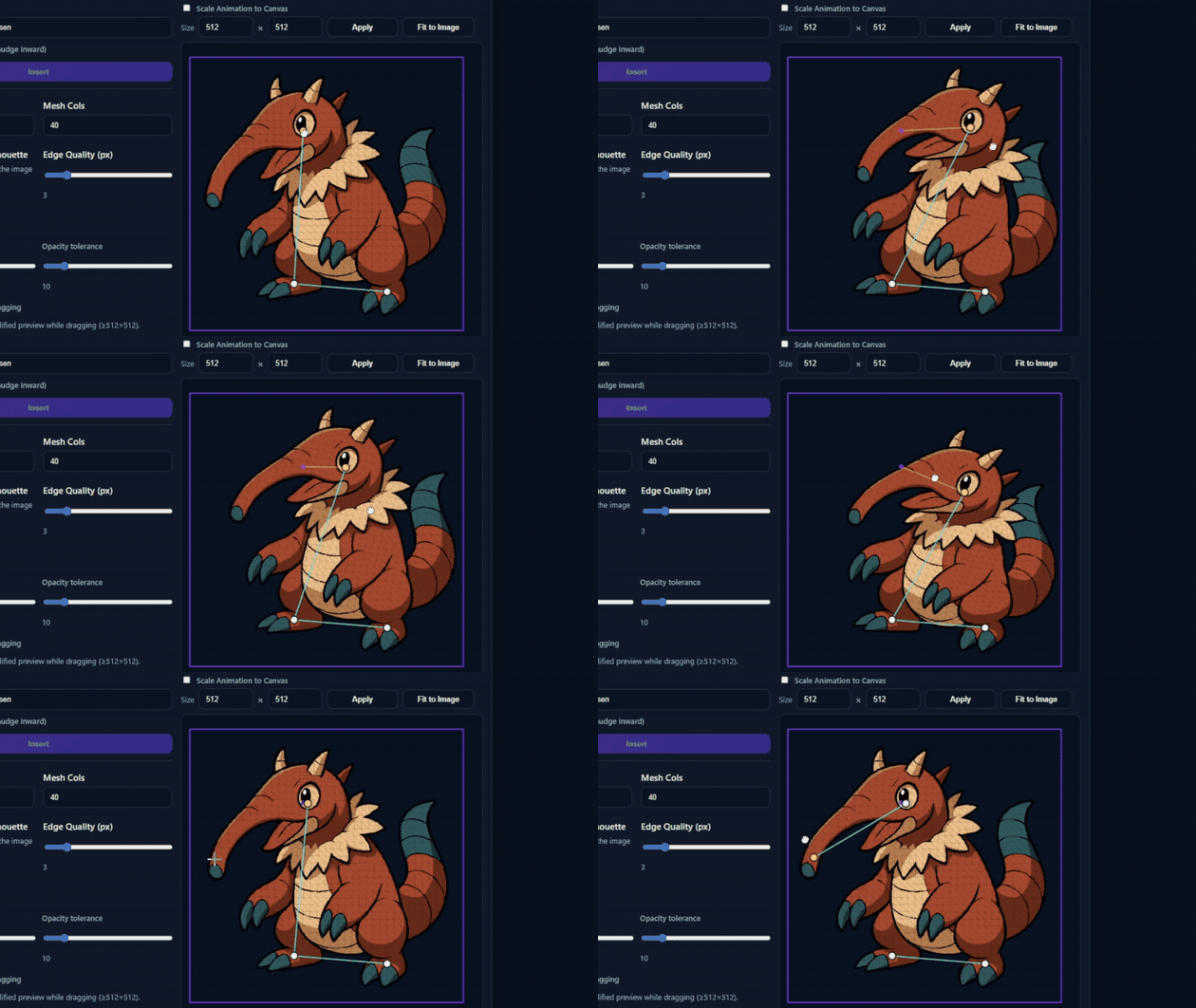
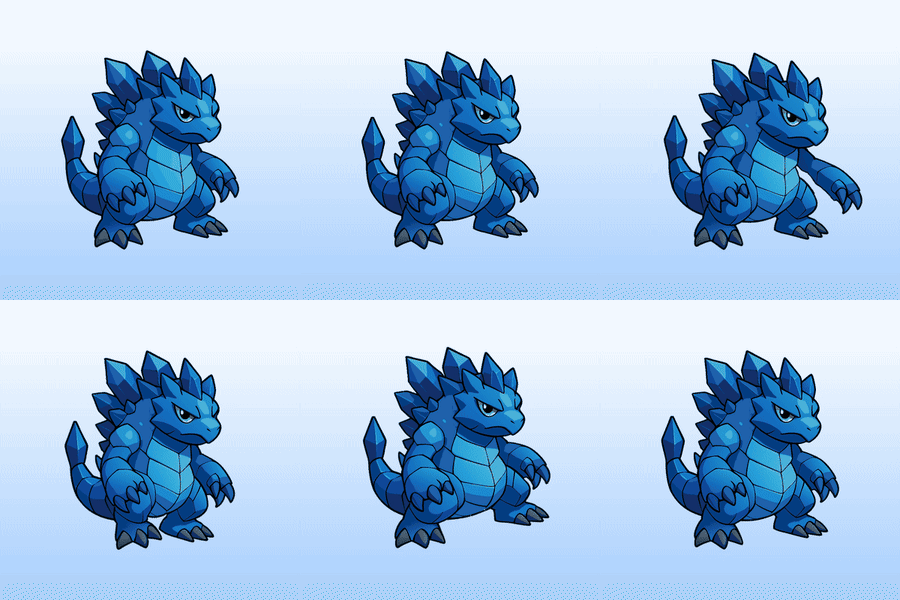
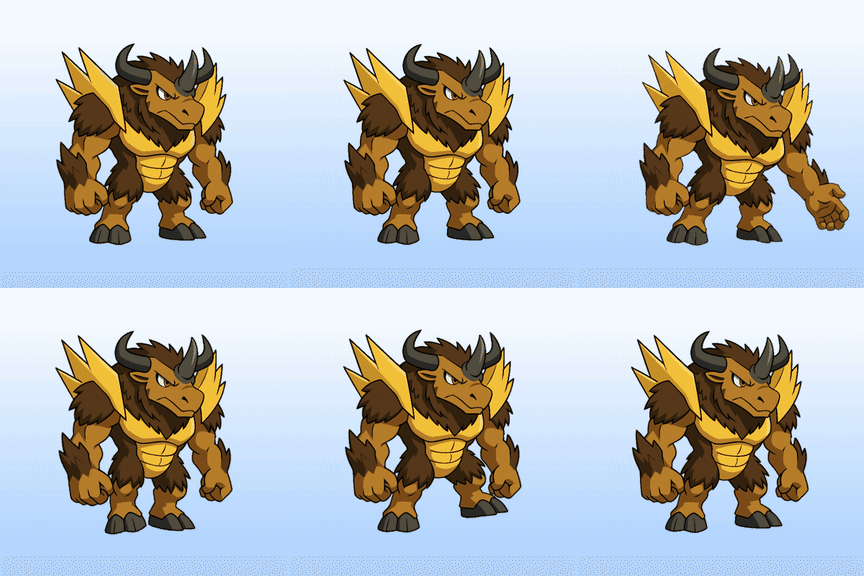
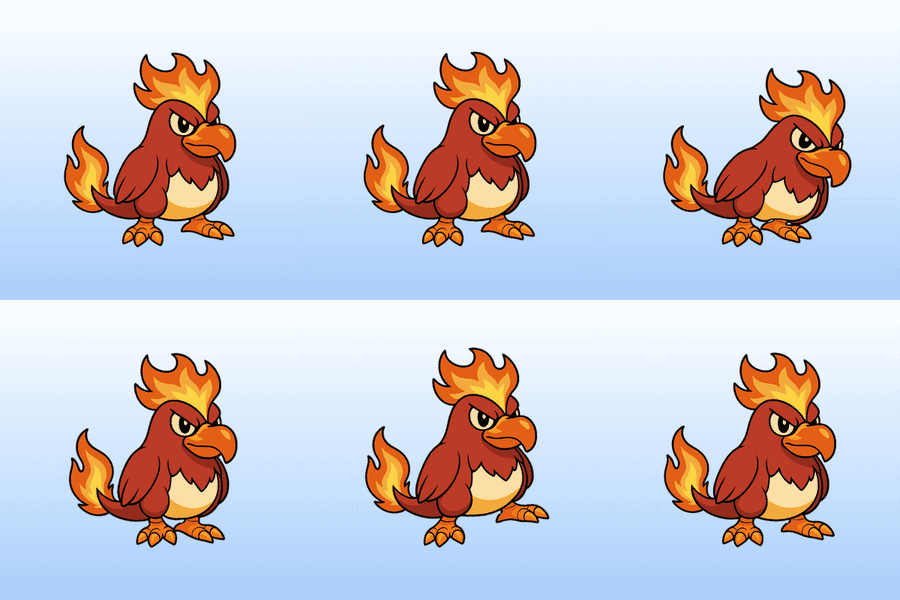
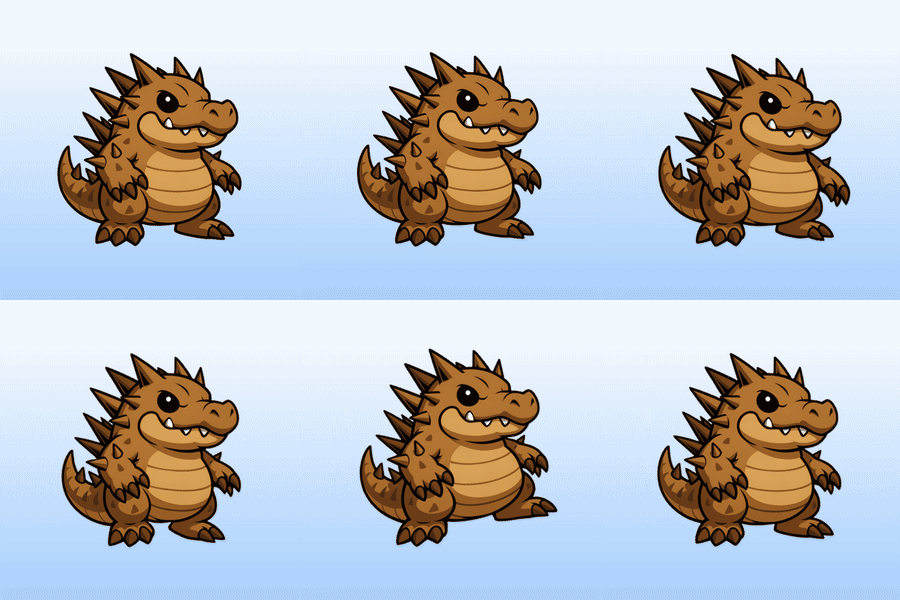
- Animated 2D characters and creatures
- Walk, run, attack, idle, interaction, and damage animations
- Game-ready PNG sequences and packed sprite sheets
- Transparent WebM, animated WebP, and GIF loops
- Spell effects, impacts, auras, trails, and stylized VFX
- Animated logos, title cards, advertisements, and social clips
- Layered motion-graphics scenes using images, SVG, video, text, and audio
- Clean transparent assets and vectorized SVG artwork
Warp Animate
Turn static artwork into character animation.
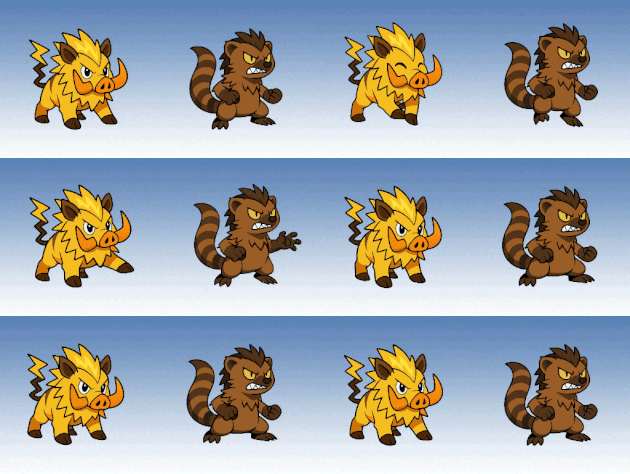
Upload a PNG, JPEG, or WebP image, place pins on the artwork, and pose it directly on the canvas. Warp Studio creates a deformable mesh and automatically generates the movement between key poses. You do not need to redraw every frame or build a traditional skeleton before starting.
Main animation tools
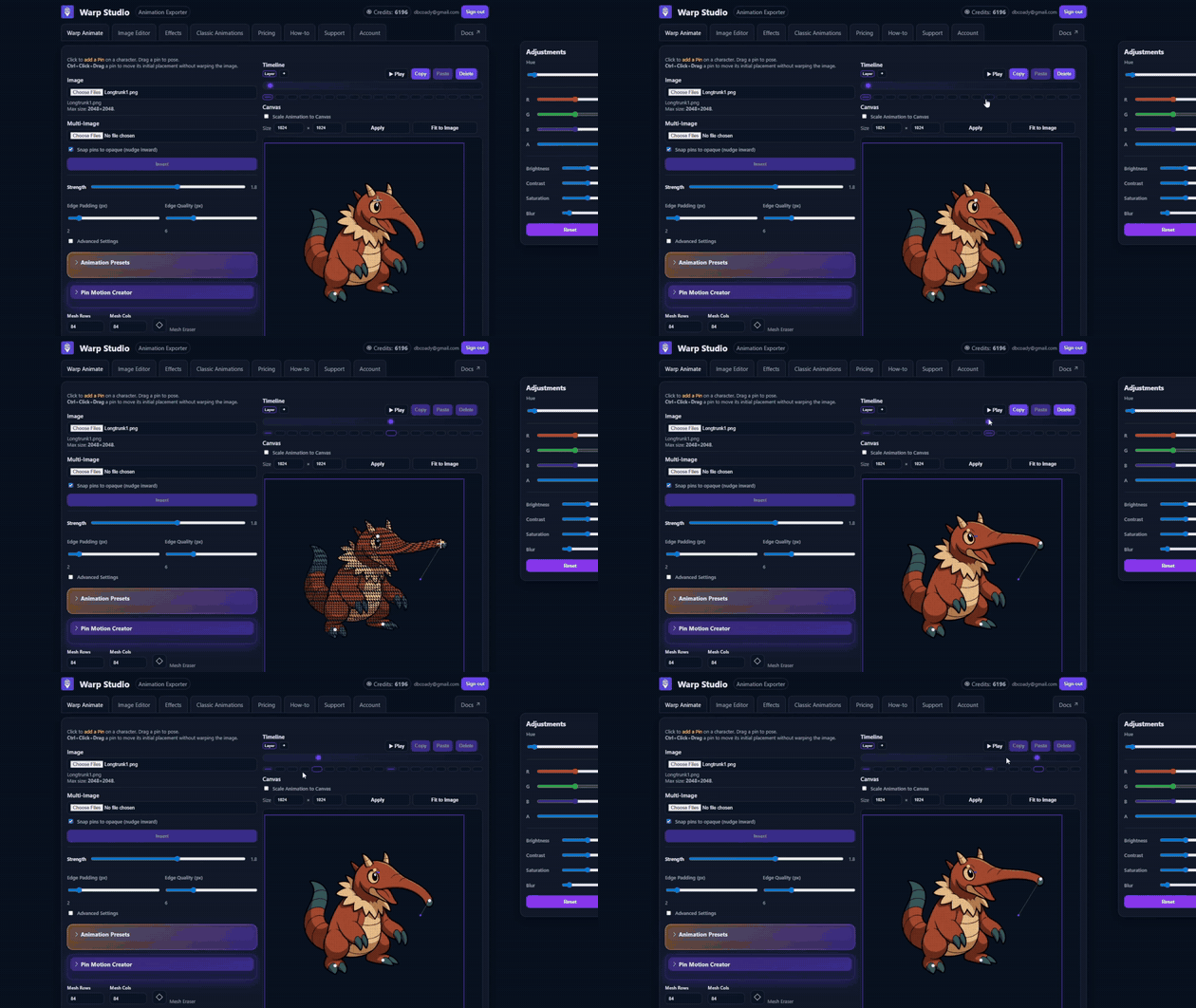
- Pin-based posing, mesh deformation, rotation, selection, locking, and layering
- Smart ARAP, natural displacement, and bone-based deformation modes
- Bone links for controlled joint movement
- Adjustable mesh density, strength, edge quality, padding, and subdivisions
- Mesh Eraser for removing unwanted generated mesh sections
- Keyframe timeline with automatic tweening
- Multiple animation layers, break frames, blank frames, and artwork swaps
- Copy and paste poses, keyframes, pin paths, images, and meshes
- Onion skinning and multi-image animation workflows
- Free Select, Free Transform, and quick frame-editing tools
- Detached motion for hair, cloth, tails, and accessories
- Record, scale, save, and reuse custom pin-motion paths
21 character motion presets include walk, four-legged walk, run, gallop, idle, breathing, dance, jump, stomp, swim, attacks, weapon motions, interaction, sliding, and damage reactions. Presets include controls for timing, distance, height, squash, follow-through, foot movement, weapon reach, and more.
Exports: PNG sequence, packed sprite sheet, WebM, animated WebP, and GIF.
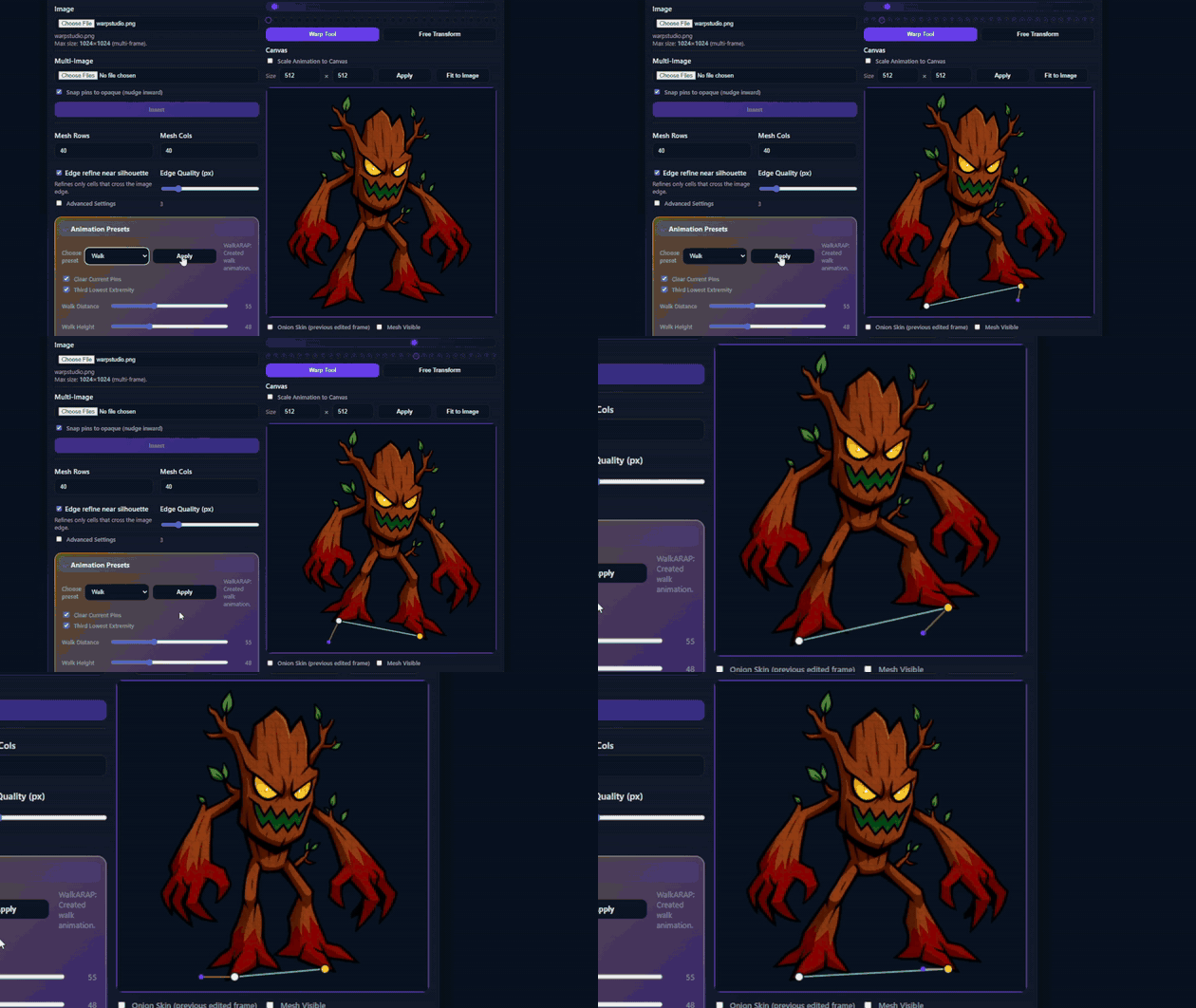
Image Editor
Prepare, repair, and finish artwork without leaving Warp Studio.
- Paintbrush with 61 bundled brush presets
- Eraser, paint bucket, line, shape, and gradient tools
- Spot Healing Brush, Clone Stamp, Smudge, Warp, and Liquify
- Magic Wand, Lasso, Object Selection, and Free Transform
- Pixel Squeeze, Pixelize, Color Replace, and Outline Thickener
- Layers, masks, opacity, compositing, and per-layer adjustments
- Brightness, contrast, saturation, blur, hue, and RGBA controls
- Text tool with 31 bundled font families and 388 styles
- Canvas resizing, fitting, centering, flipping, and transparent canvases
- Undo history plus a visual history of uploaded and generated images
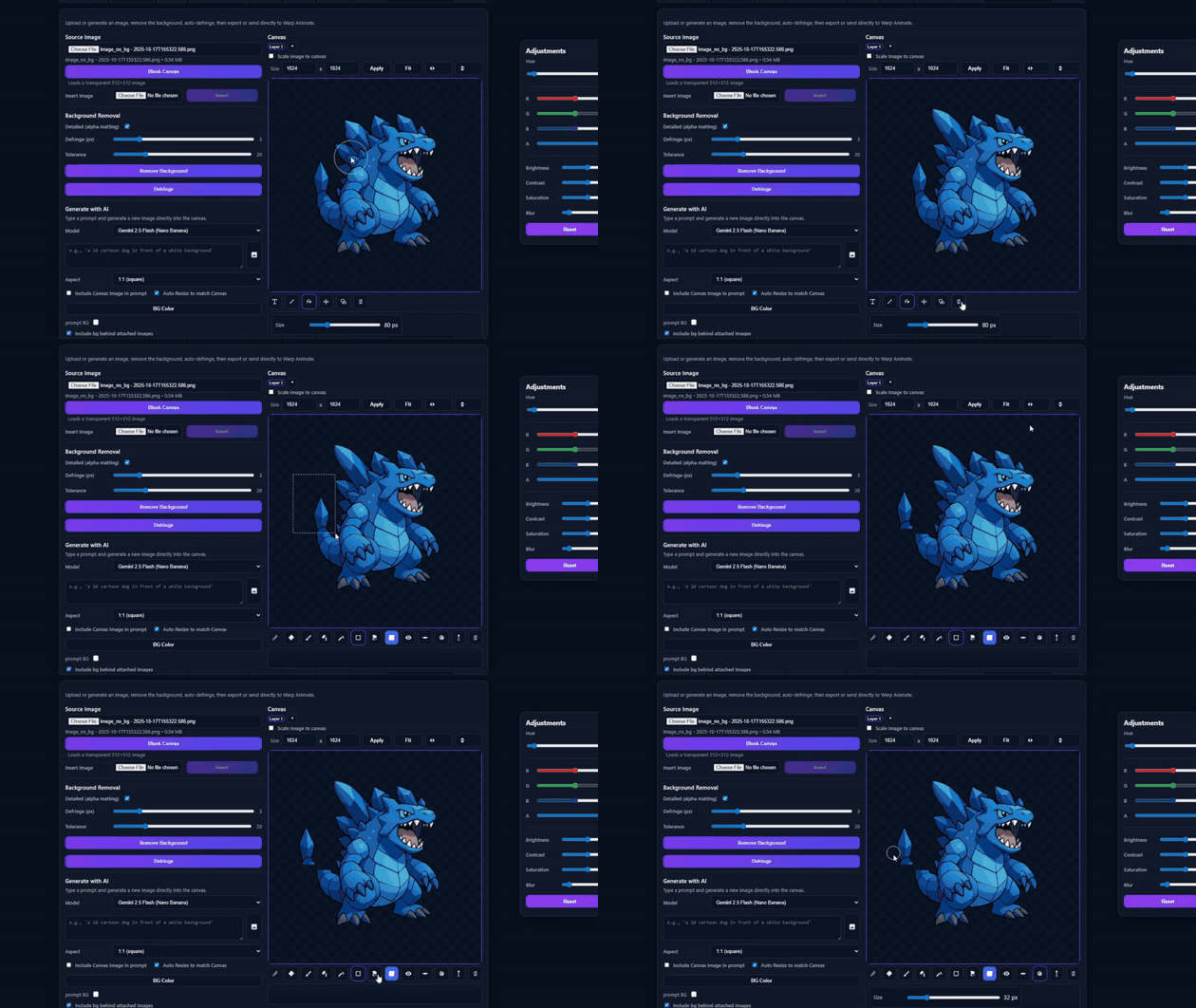
Offline background removal
The included U2NET model removes backgrounds locally without requiring a separate download. Controls include detailed alpha matting, foreground and background adjustment, erosion, edge tolerance, and defringing.
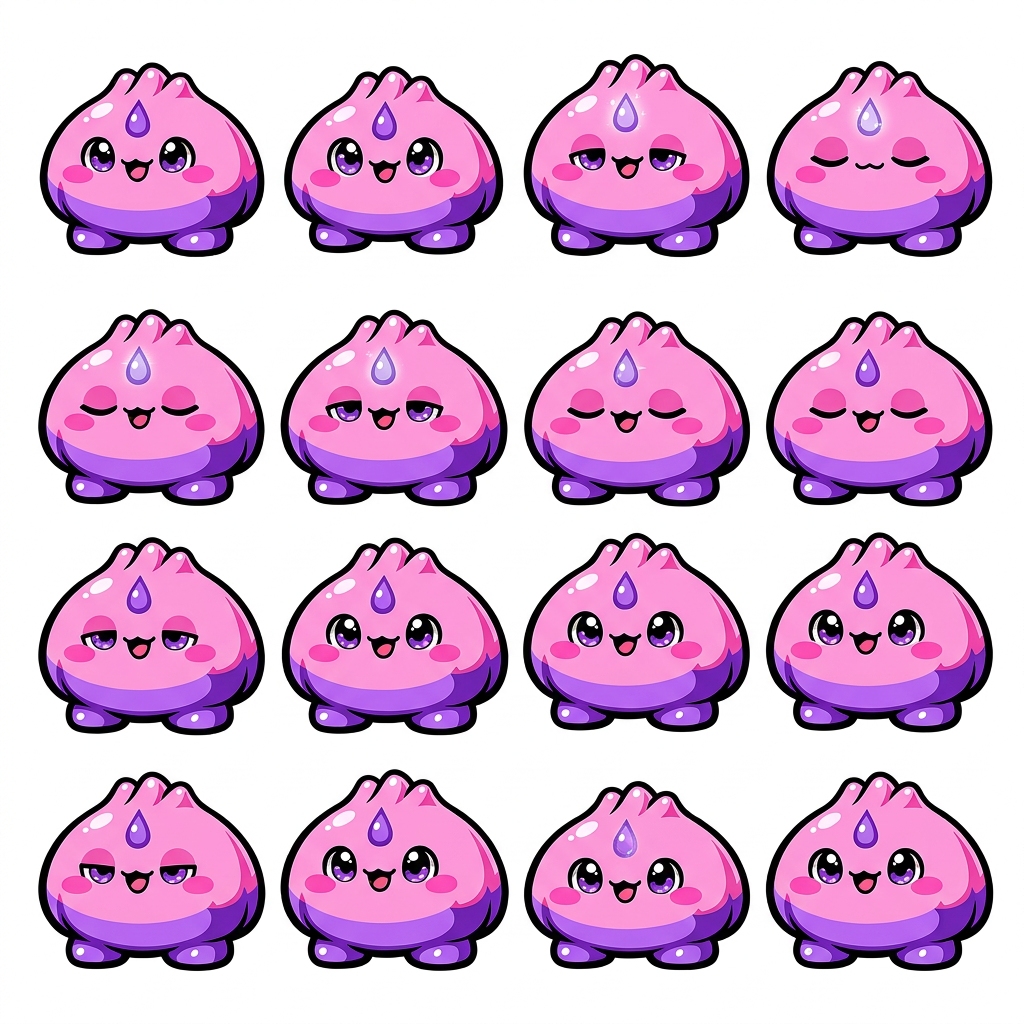
Auto Sprite Sheet Cutter
Automatically separate sprite sheets and image collections into clean, consistently sized animation frames.
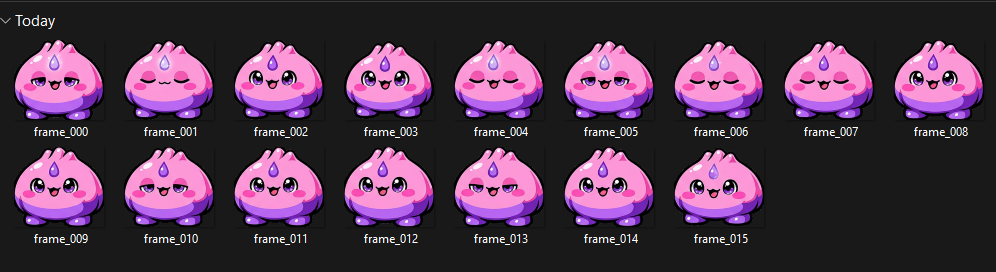
Instead of manually cropping every sprite, load an image and let Warp Studio detect each individual frame. The cutter works with both transparent sprite sheets and artwork placed over a solid background.
- Automatically detect and separate individual sprites
- Support transparent and solid-color backgrounds
- Preview detected frames before exporting
- Normalize every extracted sprite to a consistent canvas size
- Keep characters centred and aligned between frames
- Export all extracted frames as a numbered PNG sequence inside a ZIP
- Send the finished frames directly into Warp Animate
- Add extracted frames to the Multi-Image animation queue
- Works Offline
It is useful for cleaning up downloaded sprite sheets, separating AI-generated animation frames, preparing existing game assets, and turning uneven images into an organized sequence ready for animation or export.
Warp Director
Create layered motion graphics and finished MP4 videos.
Warp Director is a timeline-based scene composer for animated logos, advertisements, title sequences, social posts, app promos, and product clips. Build scenes manually, start from a preset, or optionally ask the AI Director to create an editable starting point.
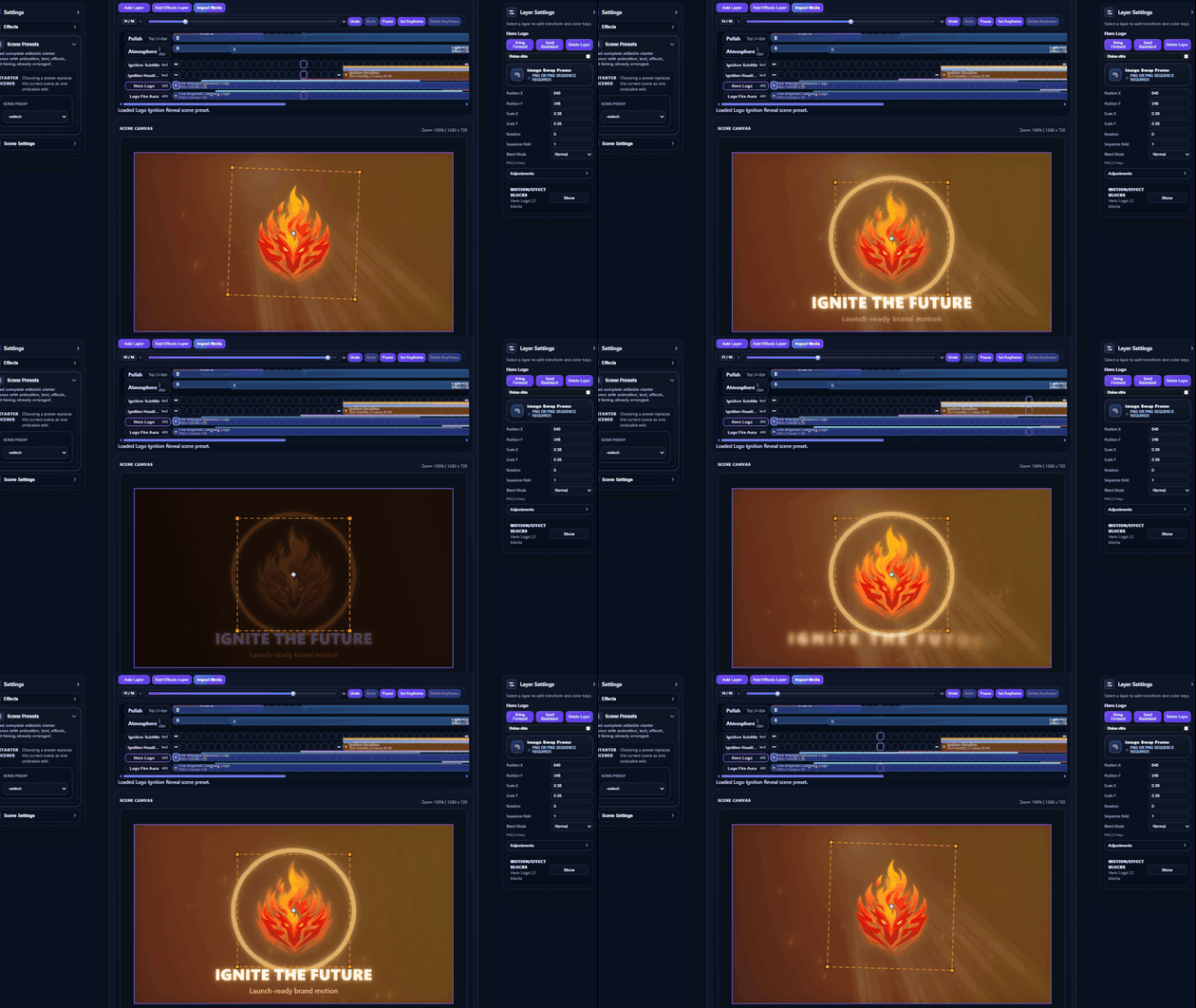
- Import PNG, SVG, MP4, MP3, and WAV files
- Layer artwork, video, text, SVG, paths, effects, masks, and audio
- Animate position, scale, rotation, opacity, and frame holds
- Use blend modes including Multiply, Screen, Additive, Soft Light, and Overlay
- Swap images or PNG sequences partway through a timeline
- Copy layers and keyframes, add blank frames, and set custom endpoints
- Draw and edit Bézier paths, SVG elements, masks, and vector shapes
- Paint, erase, heal, smudge, liquify, transform, and warp scene layers
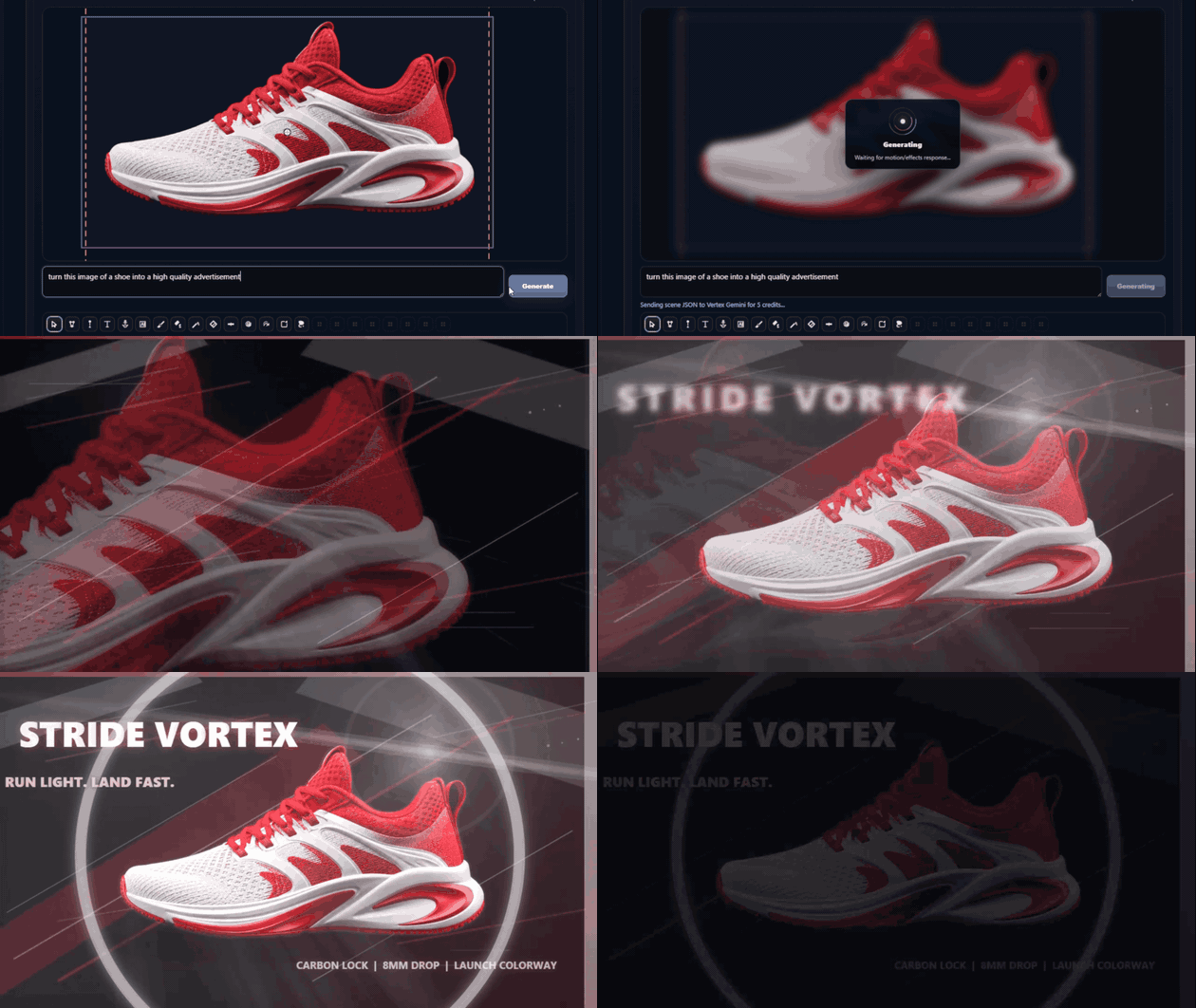
Includes 18 motion presets, 13 timing styles, and 129 composable motion and effect blocks. Warp Director also includes 24 transitions and 30 scene-wide effects, such as fades, wipes, glitch cuts, liquid morphs, film burns, fog, lens flares, bloom, VHS looks, particles, weather, electric arcs, portals, and depth effects.
Projects support 16:9, 9:16, and 1:1 layouts; 1280×720 or 1920×1080 resolution; and 12, 24, or 30 FPS timelines.
Export: MP4 using fast, exact, or preview-recording modes.
Effects Studio
Add timeline-based VFX to a still image or an existing PNG, JPEG, or WebP animation sequence.

57 effect presets cover hand glows, elemental casting, slash trails, projectiles, beams, impacts, critical sparks, auras, shields, healing, fire, frost, electricity, water, cosmic effects, shockwaves, distortion, afterimages, pixelation, scanlines, glow, and color treatments.
- Stack multiple effect clips on one timeline
- Set start and end frames, intensity, and effect properties
- Restrict effects to animated regions
- Automatically track regions through a source sequence
- Place effects behind, on, or in front of the subject
Exports: PNG sequence, WebM, animated WebP, and GIF.
Classic Animations
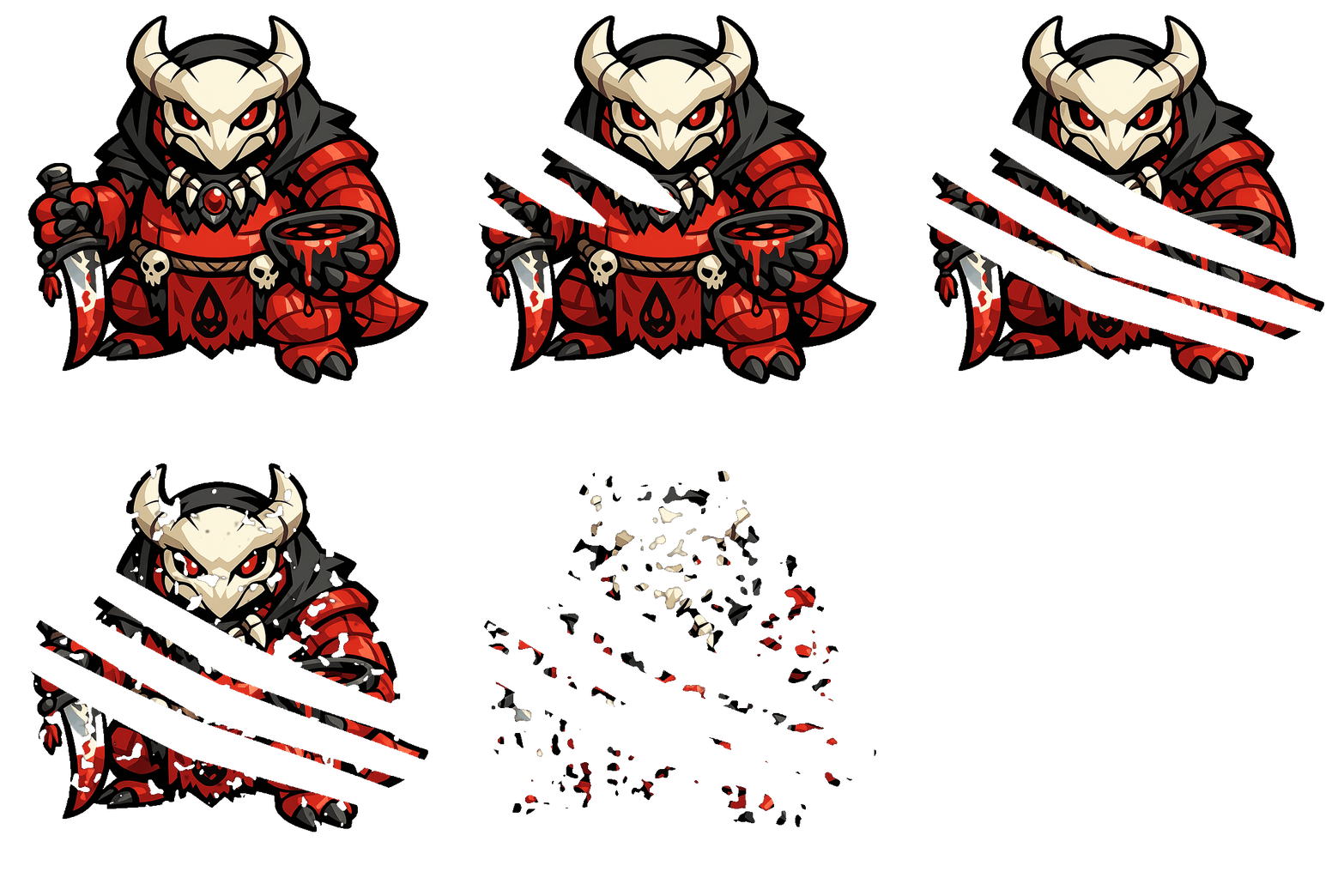
For quick results, choose from 26 customizable one-click presets, including breathing, bouncing, shaking, dodging, swaying, rotating, coin flips, growth, dissolve, burn away, pixelize, slicing, crumbling, imploding, shattering, claw attacks, and pop effects.
Optional Gemini-powered tools
Warp Studio is fully usable without generative AI. Connect your own Google AI Studio API key only when you want the optional AI-assisted features:
- Generate images or variations from prompts and references
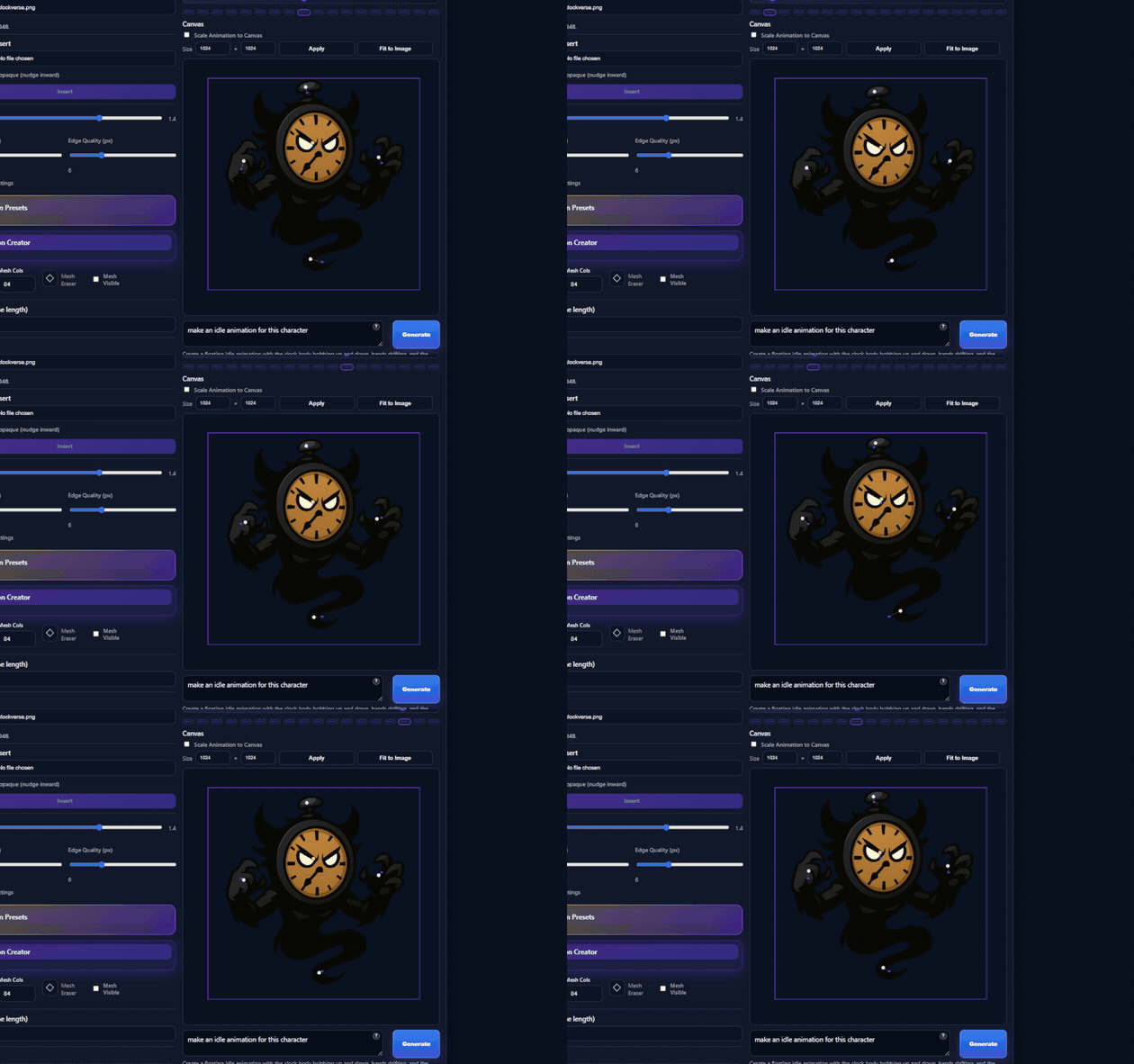
- Generate character pin animation from a motion description
- Create in-between artwork from neighboring frames
- Select detachable hair, cloth, accessories, or other regions
- Extract and reuse the visual style of a reference
- Ask Warp Director to add motion and effects
- Build an editable scene from a Director Brief
- Generate editable SVG artwork and vector elements
Your API key is stored in the current Windows user’s operating-system credential vault. Prompts and images remain local until you deliberately run an AI feature, at which point the required content is sent to Google’s Gemini service using your account and quota.
Import and export
Import: PNG, JPEG, WebP, numbered image sequences, SVG, MP4, MP3, and WAV where supported.
Export: PNG, numbered PNG ZIP, packed sprite sheet, SVG, animated WebP, WebM, GIF, and MP4.
Before you buy
- Platform: Windows 10 or Windows 11, 64-bit only
- Version: Warp Studio 1.0
- Purchase: One-time payment with indefinite use of your downloaded DRM-free copy
- Accounts and fees: No Warp Studio account, subscription, recurring fee, credit system, or online activation
- Delivery: Portable, DRM-free application; no separate installer required for direct download
- Included: Python, Electron, FFmpeg, U2NET, fonts, brushes, and required components
- Offline use: Non-AI editing, animation, background removal, rendering, and exporting run locally
- Optional AI: Requires your own Google AI Studio API key, internet access, and available quota
- Unsigned application: Windows may show an Unknown Publisher or Microsoft Defender SmartScreen warning on first launch
- Updates: Delivered through the itch app or your itch.io library
- Commercial use: You may use original work exported from Warp Studio in commercial projects, provided you have the rights to all imported materials
- Third-party and AI content: Remains subject to applicable licences, service terms, third-party rights, and law
Prepare the artwork. Animate it. Add effects. Build the scene. Export the result—all inside Warp Studio.
Purchase
In order to download this tool you must purchase it at or above the minimum price of $4.95 USD. You will get access to the following files:

Leave a comment
Log in with itch.io to leave a comment.